One Sheet for Getting Started with Chaos Veras
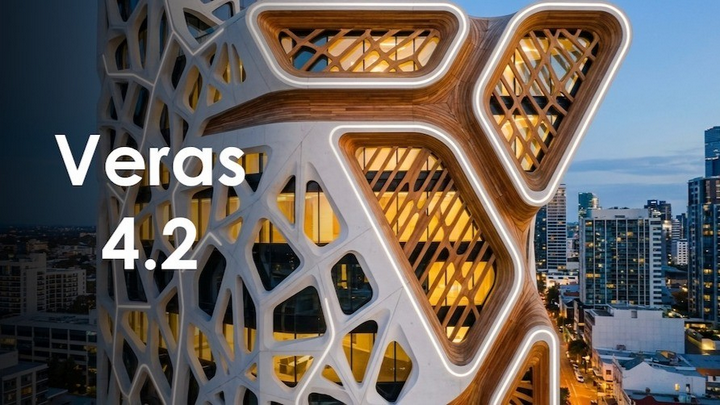
Veras usage has taken off since February and the implementation of Nano Banana. This handy one sheet reference of links, tips / tricks, and best practices will quickly get you up to speed.
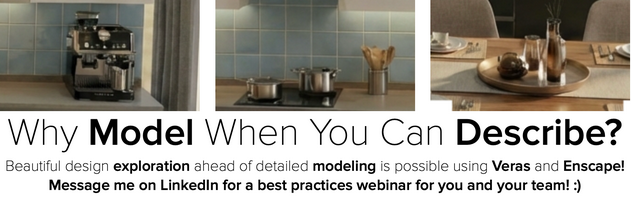
Veras is available via Enscape, as a direct plugin, and on the web.
Here’s the download link for the Veras plug in and Enscape: https://my.chaos.com/download/. One advantage of using Veras with Enscape or as a plugin to your design file is the ability to select materials and geometry through Veras to the design file for further iteration.
Another advantage of using Veras via Enscape, is Veras will render what Enscape is rendering. As a result, Enscape assets (furnishings, plants, people, etc.) render as expected in Veras, not as preview cardboard objects that you see in your design file.
On the other hand, if you have a huge masterplan or project, rendering in Veras as a direct plugin to the design application bypasses the need to open Enscape to render in Veras.
TIP: Rendering 1k/2k during iteration and upscaling to 4k for final image maximizes number of renderings during the monthly compute. Veras Pro Tier in ArchDesign Collection provides 2X speed and images.

Here’s the Veras web portal: https://veras.evolvelab.io/. The advantage of the web portal is that you can start without modeling – simply upload a photo of a sketch or composition and a description or “text prompt” to render. You can also upload a rendering created in Enscape for further exploration and iteration via the web version of Veras.
One More Thing™: Veras is perfect if you use Revit LT. Rather than spend $$$ for full Revit (in order to install plugins) simply export an image from Revit and use Veras on the web to render.
Using Veras on the web can turn this...
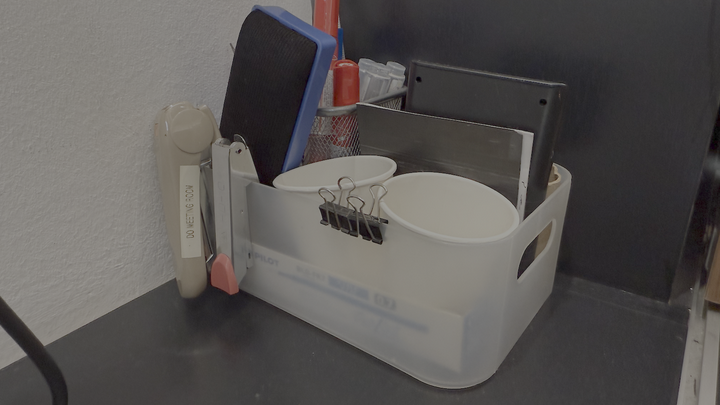
...into this (in less than a minute).

Please review the following for latest news, forums, best practices, tips and tricks and more. I'll continue to update this list as Veras evolves.
General Overview: https://www.chaos.com/veras
Veras 4.2 Release notes: https://forum.evolvelab.io/t/veras-release-4-2/11272
Veras Blog: https://forum.evolvelab.io/tags/c/veras/12/veras-workflows
Veras Forum: https://forum.evolvelab.io/c/veras/12
Tips and Tricks: Predictable Iteration: Editing Essentials Using Chaos Veras
Tips and Tricks:Starting from Scratch: “Un-rendering” with Chaos Veras
Tips and Tricks: No Plugin? No Problem! Use Veras on the Web with Revit LT
Tips and Tricks: Rendering When You Don’t Know How To Render: Chaos Veras
Tips and Tricks: Using URLs in Text Prompts to Add Assets, Materials and More
Tips and Tricks: Planes, Trains, and Automobiles: Adding Life and Realism to Non-Architectural Spaces with Chaos Veras
Have fun experimenting, and congratulations!
We hope this article helps you and your team get the most out of Veras. Questions, suggestions or comments? Please add your feedback in the comments section below! :) And don't forget to Sign Up for Enscape Monthly Updates!
ReadThomas would love to help you succeed with Veras, Enscape and your entire Chaos portfolio! Email us for a private demo or best practices webinar for your team. And when you purchase from ReadThomas, we’ll provide your team with complimentary training, implementation and support! www.readthomas.com.