

FROM THE STUDIO
Insights, projects, and perspectives from the Read|Thomas team
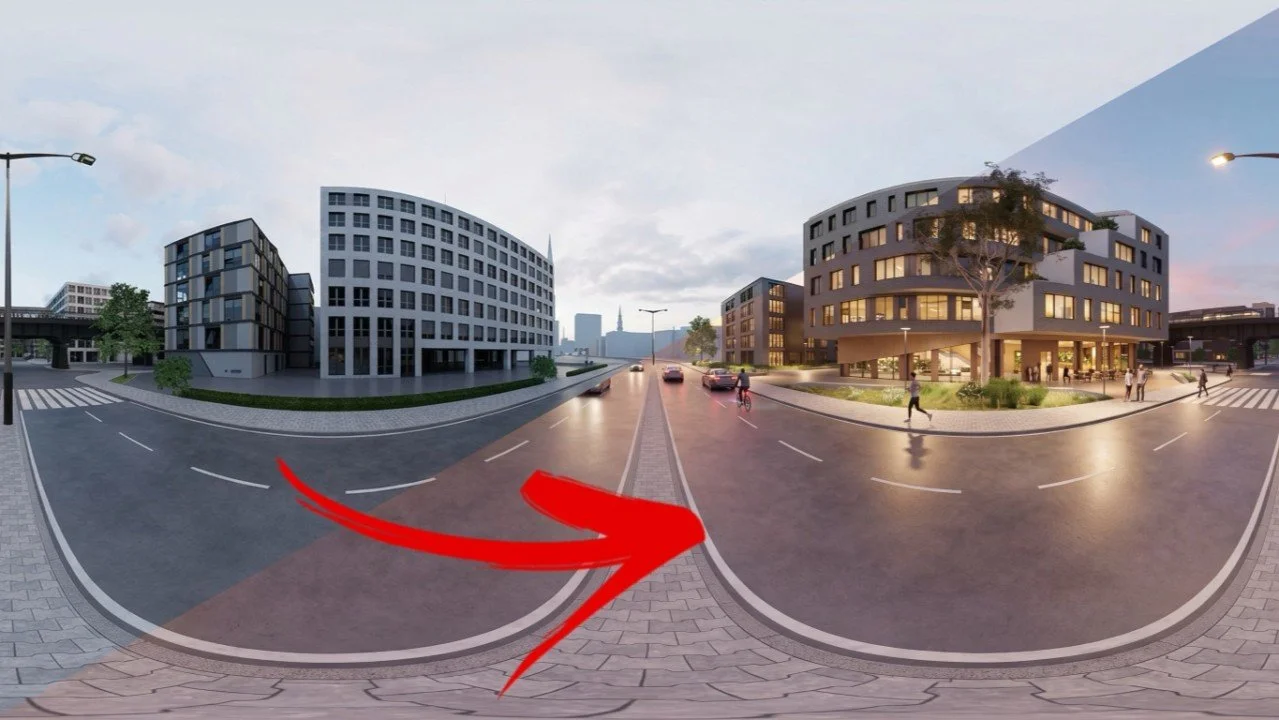
Design Iteration and Set Dressing Panorama Images Using Chaos Veras
Design Iteration and Set Dressing Panorama Images Using Chaos Veras

Creating Player Rest Style Animations with Photos and Renderings Using Chaos Veras
Creating Player Rest Style Animations with Chaos Veras

Back to the Future: Old School Massing Studies Meets Chaos Veras
Creating physical massing studies is accessible, collaborative, and iterative. Let's return to first practices of real-world massing studies combined with the power of Veras for rapid and realistic rendering!

One Sheet for Getting Started with Chaos Veras 4.5
Learn how to use Chaos Veras 4.5 for architectural visualization with this quick-start one sheet from Read Thomas. Explore prompt tips, rendering workflows, visualization settings, and AI-assisted concept techniques for Revit, SketchUp, Rhino, and more. Perfect for architects, designers, and visualization artists looking to improve speed and image quality.
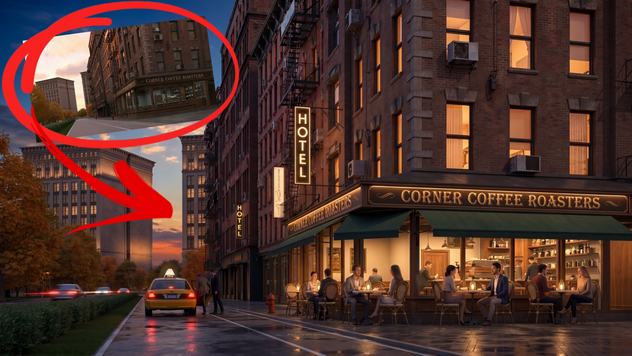
Veras for Post Production
Learn how architects and designers use Veras for fast AI-powered architectural post production directly from Enscape and Revit renderings. Explore workflows, benefits, and real examples that reduce modeling time while improving visualization quality.
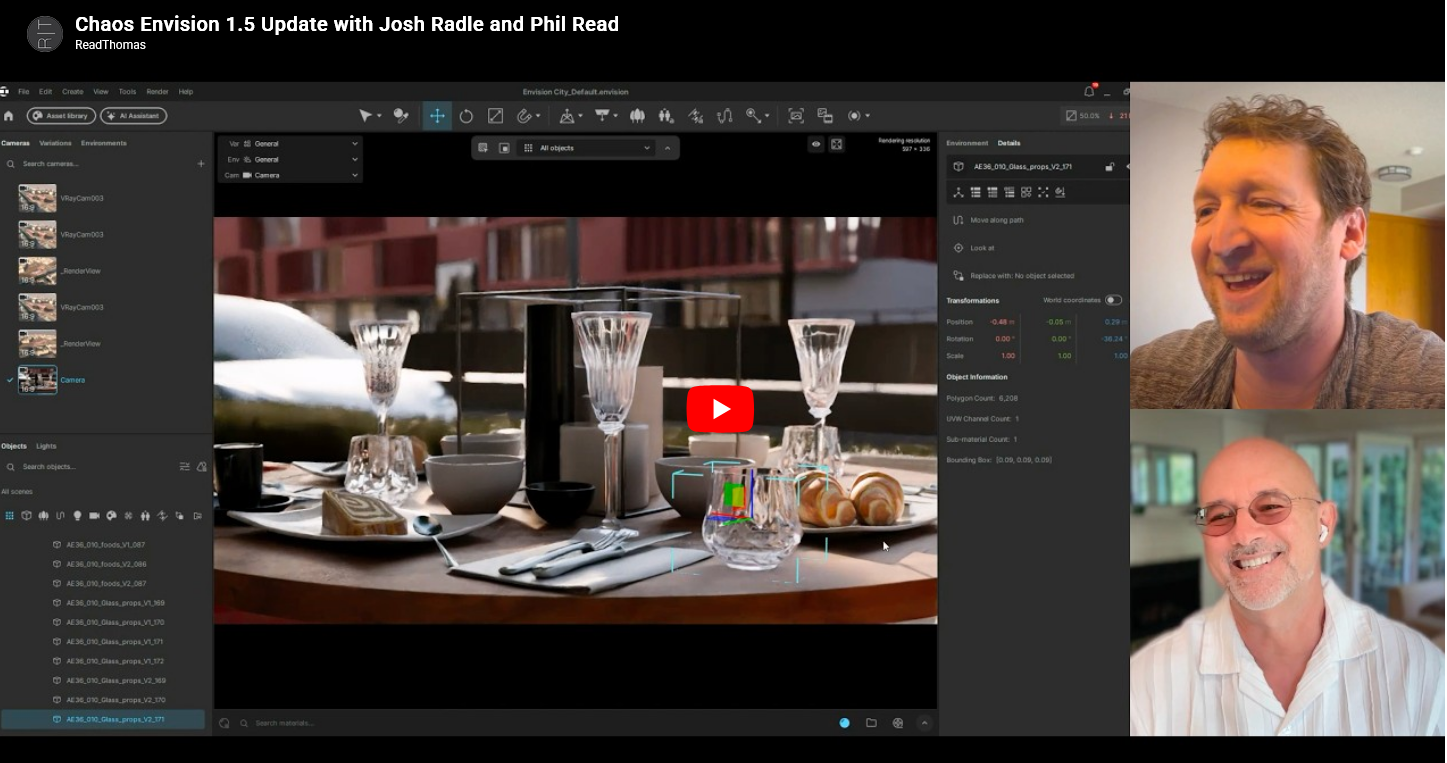
Chaos Envision 1.5 Update with Josh Radle and Phil Read
If Enscape is the one-button real-time visualization tool architects love, think of Chaos Envision as Enscape Pro. It picks up where Enscape leaves off and gives you cinematic-level control over how your work gets presented. Phil Read and Josh Radle recently sat down to walk through what’s new in Envision 1.5, and it’s a conversation worth catching up on if you’re working anywhere inside the Chaos ecosystem.
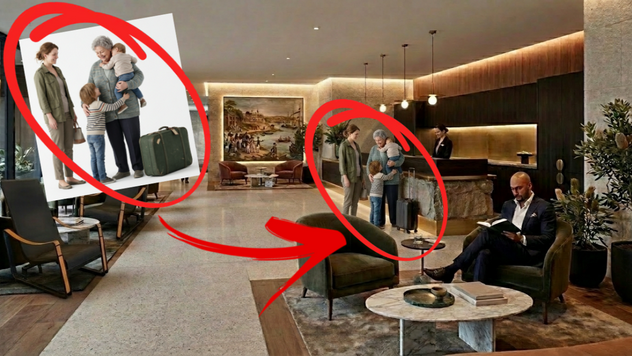
Stupid Veras Tricks :)
Veras is 10/10 for ideating and communicating design ideas before committing to detailed and time consuming 3D modeling. The following list of tips and best practices is guaranteed to help you use Veras to improve your workflow in subtle yet important ways.

One Sheet for Getting Started with Chaos Veras
Veras usage has taken off with the implementation of Nano Banana. This handy one sheet reference of links, tips / tricks, and best practices will quickly get you up to speed.
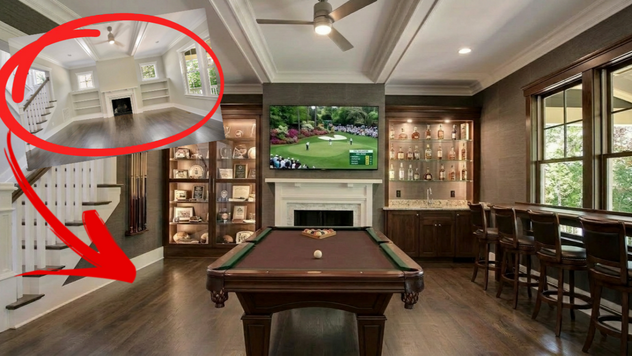
Real Estate Reimagined
Vray and Enscape are serious rendering for the 1%. But what about the rest of us who can only imagine and describe? That's Veras. Veras is for everybody else...including the 1%.

Chaos Veras: Perfect for Creating "Imperfect" Renderings
"Perfect" renderings aren’t necessarily perfect. Imperfections and little details can give images a more natural appearance, tell a better story, and provide important context that communicates the passage of time.

Design Iteration at the Speed of Now: Chaos Veras.
Got a great interior design rendering from Enscape and need to create additional design options? Veras is the perfect companion for creating beautiful and compelling design studies without taking the time to create perfect material textures and detailed 3D modeling.

Predictable Iteration: Editing Essentials Using Chaos Veras
When you’re rendering in Veras, the results are amazing! But what about fine tuning the final image without familiar buttons for Copy, Move, Delete (and more)? Don’t panic! Simply “describe” what you want to happen. Here’s how!

Planes, Trains, and Automobiles: Adding Life and Realism to Non-Architectural Spaces with Chaos Veras
There's more to life than architecture and Veras isn’t just for buildings! It’s the perfect compliment for adding human activity, context, and scale to concept models, renderings and even real-world as-built photos!

AI For Architects Is Nothing New. And It's A Return to First Practices (Finally).
Tools like Veras are not another evolutionary hurdle in design visualization. AI represents the opportunity to return to first practices. A restoration of the original order.

Starting from Scratch: “Unrendering” with Chaos Veras
Don’t spend days as-built modeling when you can start with a photo! Use Veras to quickly and easily remove fixtures, furnishings, equipment, and more from photos of existing conditions. Result? A clean space to test and perfect design ideas before you start modeling.

No Plugin? No Problem! Use Veras on the Web with Revit LT!
Don’t worry about upgrading to pro versions just to use a rendering plug-ins. Use Chaos Veras on the web and save $$$ a year!
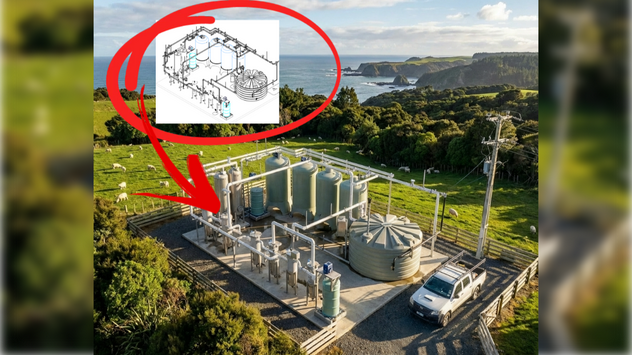
Rendering For The Rest Of Us Who Don’t Know How To Render: Chaos Veras!
Are you an architect, interior designer, or engineer who doesn’t know how to use complicated 3D software, rendering apps, photo editing and more? This article is for you! Creating compelling concept images and beautiful renderings of your project is only 30 minutes away. Grab a coffee and read on!

A URL Is Worth A Thousand Words
Why model when you can describe? Why describe when you can copy? Stop overthinking! Quickly and easily replace paragraphs of descriptive text with a URL for textures, entourage, furnishings and more!